Deleted Files Section
Overview
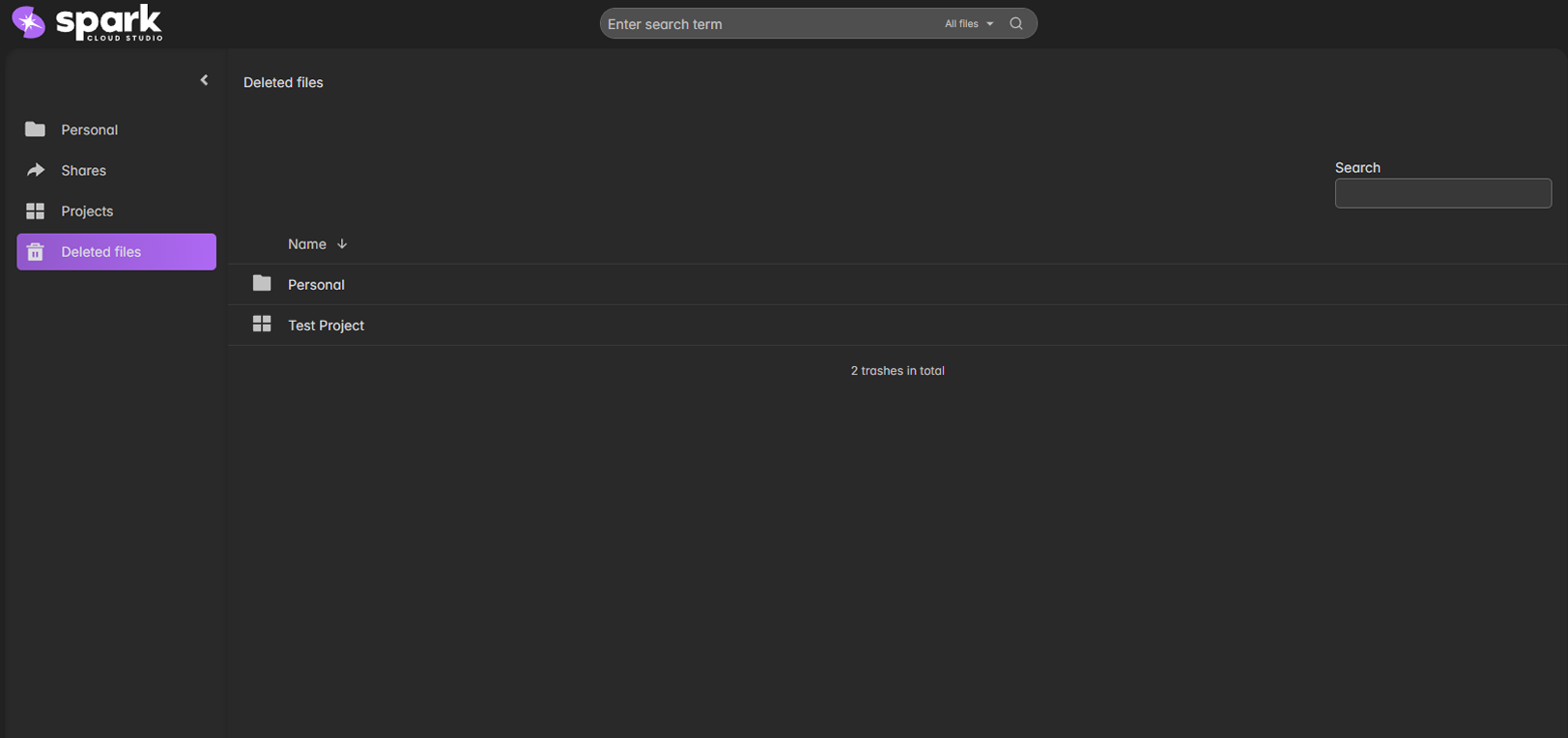
The Deleted Files section acts as your recycle bin for all Spark ShareSync resources.
Deleted files are temporarily stored here and can be restored or permanently removed.
File Categories
| Category | Description |
|---|---|
| Personal | Deleted files from your personal storage. |
| Projects | Deleted projects or project assets. |
| Shares | Shared files that were removed or unlinked. |
Restore or Delete
Use the right-click menu or inline buttons to restore deleted files or remove them permanently.
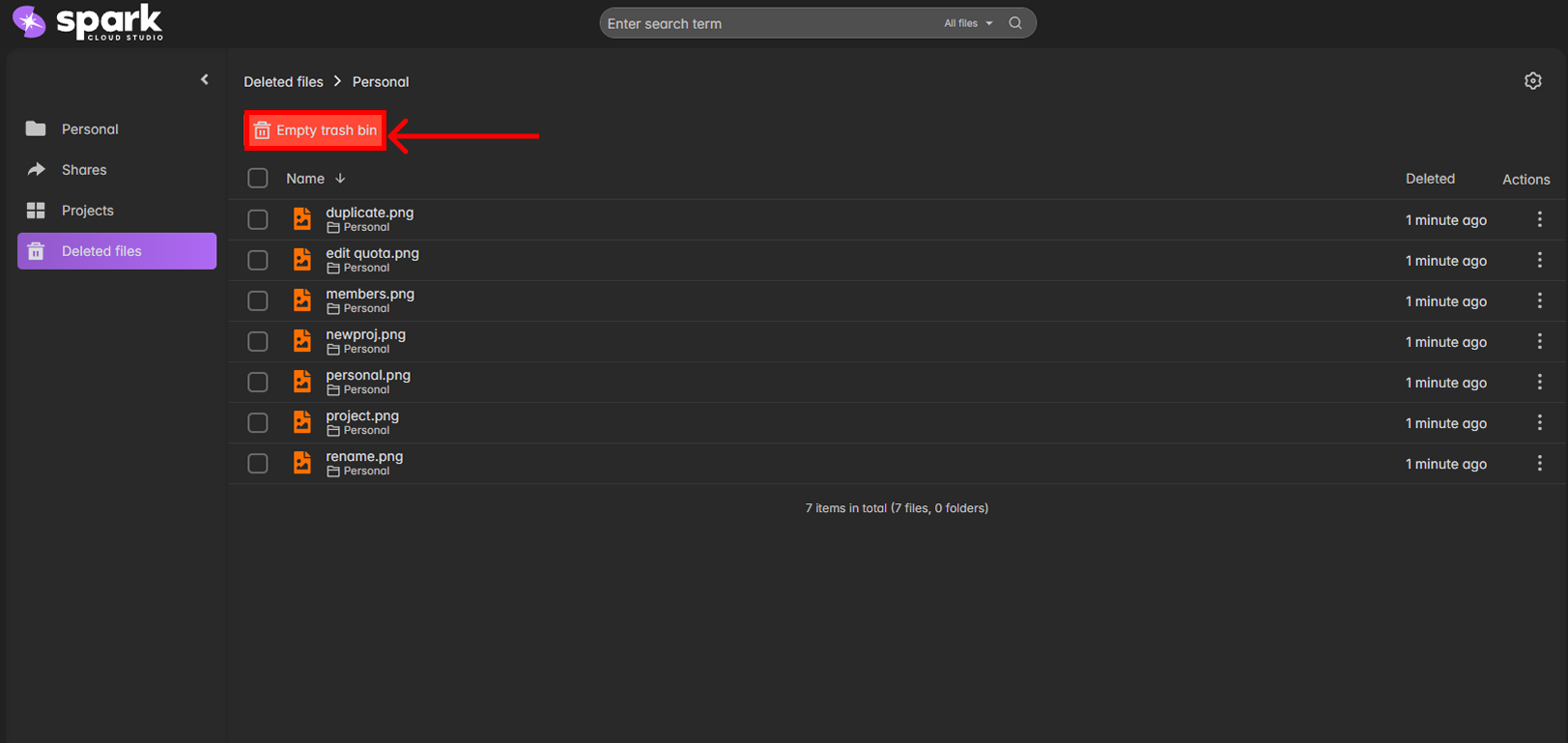

Deleted items and older versions are retained for a minimum of 90 days before automatic removal. This safety window helps recovery from accidental deletion, and retained data can continue to count toward storage usage during the retention period.